Twitch Bits: What a Bit Is Actually Worth
Last updated: 10 September 2026. Every figure below comes from Twitch’s own help pages and blog, linked at the bottom.
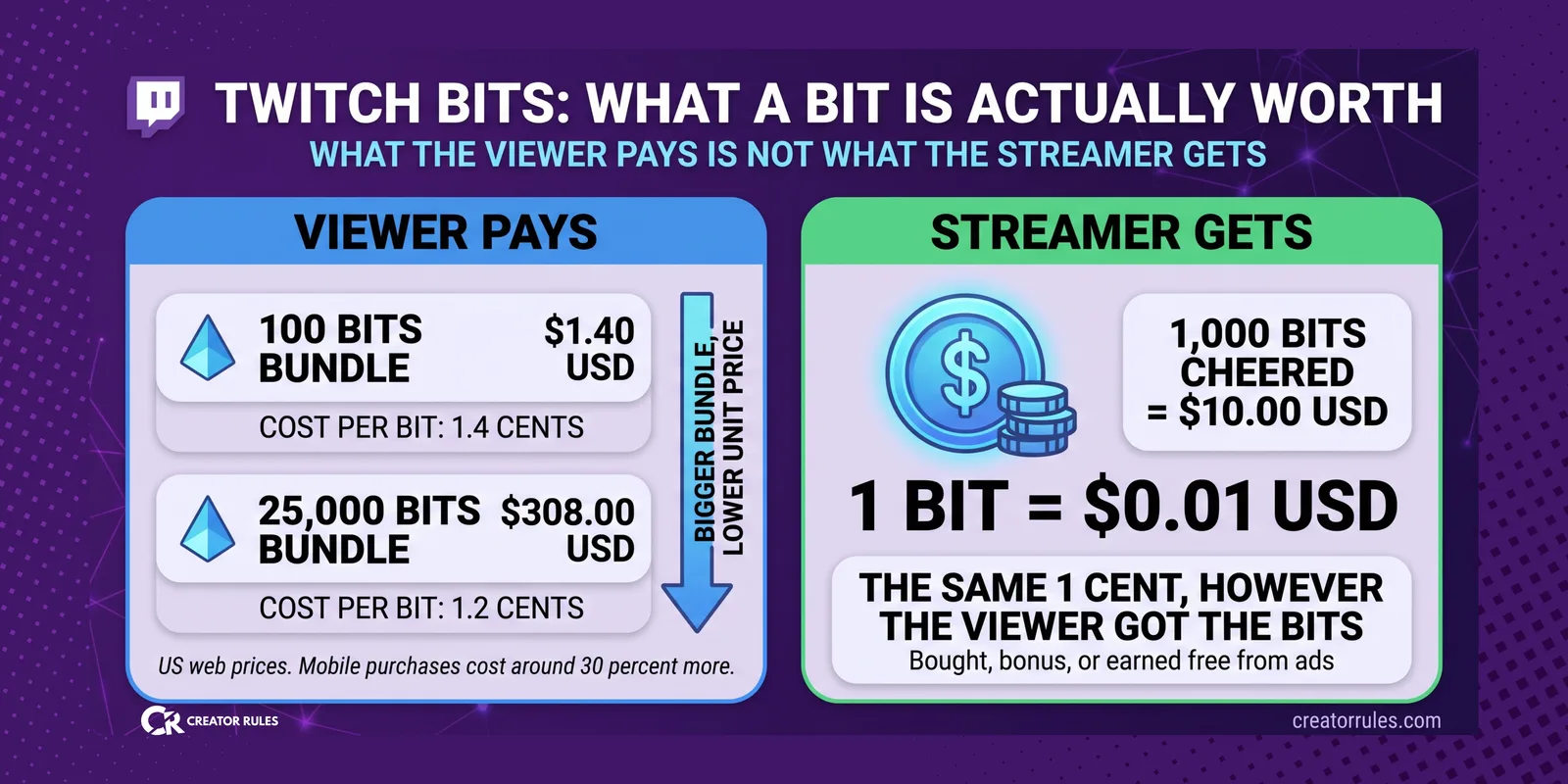
A Bit is worth one cent to the streamer. That is the whole answer, and Twitch states it plainly: participating creators receive a share of Bits revenue equal to one cent per Bit used to Cheer for them.
What makes Bits worth an article is everything around that cent. The viewer does not pay one cent. Sometimes the viewer pays nothing at all. And the streamer still gets the same cent.
What the viewer pays
Bits are sold in bundles, and the price per Bit falls as the bundle grows. In the United States there are six bundles on the web: 100, 500, 1,500, 5,000, 10,000 and 25,000 Bits, running from $1.40 to $308.
| Bundle | Viewer pays | Per Bit | Streamer gets |
|---|---|---|---|
| 100 Bits | $1.40 | 1.4 cents | $1.00 |
| 25,000 Bits | $308.00 | 1.2 cents | $250.00 |
Look at the last two columns together. The viewer pays 40 percent more than the streamer receives on a small bundle, and 23 percent more on the largest one. That gap is Twitch’s cut, and it is the only place where bundle size matters.
Two things follow from that, and both are worth knowing before you tell your chat which bundle to buy.
Buying bigger helps the viewer, not you. A viewer who buys 25,000 Bits gets each Bit cheaper, but you receive exactly one cent per Bit either way. The saving is entirely theirs.
Mobile costs more. Bits bought inside the iOS or Android apps run around 30 percent higher, because Apple and Google take a cut of in-app purchases. Same Bits, same cent to you, more money out of your viewer’s pocket. If someone asks how to support you efficiently, the honest answer is to buy on the web.
The part that surprises people
Twitch is explicit about this and almost nobody repeats it: broadcasters receive the same amount per Bit regardless of how the viewer acquired the Bits.
Bought at full price, received as a bonus in a promotion, or earned for free. All the same to your payout.
And free is a real category. In the United States, viewers who tap “Get Bits” may be offered a 30 second ad or a short survey in exchange for Bits. Usually that pays out 5 Bits, occasionally more, up to 100. There is a daily limit on how many of these a viewer can do.
Five Bits is five cents. That is not a living. But the mechanism matters more than the amount: a viewer with no money at all can still send you real revenue. Twitch pays you out of the ad money it earned from that viewer’s attention.
For a small channel with an audience that cannot spend, this is the only monetization route on the platform that does not require anyone to open a wallet.
The exception: Bits in Extensions
There is one case where a Bit is not worth a full cent to you, and it is easy to miss.
When Bits are used inside an Extension, a poll, a game overlay or a tipping widget built by a third party, the revenue is split. The streamer receives 80 percent of the cent and the Extension developer receives 20 percent.
| Where the Bit is used | You receive per Bit |
|---|---|
| Cheered in chat | $0.010 |
| Used in an Extension | $0.008 |
Two tenths of a cent sounds like nothing. On 100,000 Bits it is $200. If you run an Extension that drives a lot of Bit spending, it is worth knowing that it costs you a fifth of that revenue, and worth deciding whether what the Extension adds is worth the fifth.
What Bits do not do
This one costs streamers real money through misunderstanding.
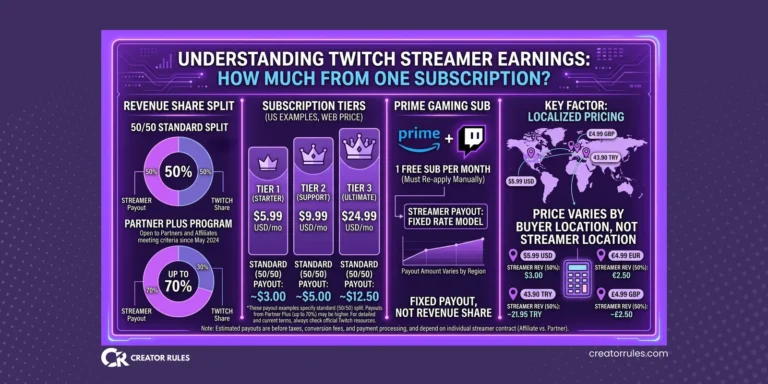
Bits do not count toward Partner Plus. The programme that raises your subscription split from 50/50 to 60/40 or 70/30 runs on Plus Points, and Plus Points come from paid subscriptions only. A Tier 1 sub is worth 1 point, Tier 2 is 2, Tier 3 is 6. Bits are worth zero.
So a channel with heavy Bit income and modest subscriptions can be earning well and still sit on the standard split. If you are close to a Plus Points threshold, Bits will not carry you over it. We covered how that system actually works in how much a streamer earns from one subscription.
The upside of that separation is that Bits revenue is not subject to the subscription split at all. A Bit is one cent whether you are a new Affiliate on the standard rate or a Partner at 70/30. On subscriptions your level changes everything. On Bits it changes nothing.
When you actually see the money
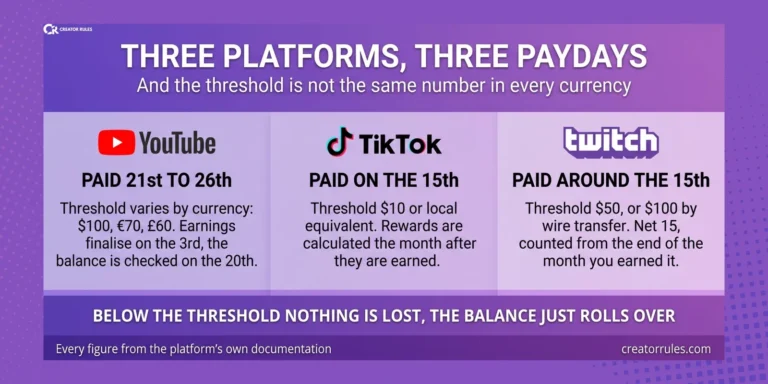
Bits revenue goes into the same balance as everything else you earn on Twitch, and it is subject to the same $100 minimum payout threshold. Below that, the balance rolls over.
For a channel earning Bits in small amounts, that threshold is the real timeline. At 500 Bits a month you are looking at twenty months before a payout, and Bits alone will not get you there. Combined with subscriptions and ads it usually does.
And if you are outside the United States, the amount that lands in your account is lower than the amount on your dashboard, because US tax is withheld before it reaches you.
The mechanism is the same one that applies to AdSense earnings, but the door is completely different. Twitch collects tax information through Amazon Tax Central, not Google. You complete it in the Creator Dashboard under Settings, then Revenue, then Payouts, then Tax Interview.
Without a completed interview the default rate is 30 percent. If your country has a tax treaty with the United States and you claim it, that rate drops. And the same expiry trap applies here as everywhere else: the interview has to be redone every three years, or you fall back to 30 percent without being told.
If you also earn through YouTube, note that these are two separate processes in two separate places. Completing one does nothing for the other. We covered how the withholding itself works, and what a treaty changes, using Google’s version of the form.
What to take from this
A Bit is one cent to you and that number almost never moves. Not with bundle size, not with your Partner level, not with how the viewer got it. The only thing that changes it is an Extension, and only by two tenths.
What moves is what the viewer pays. Between the cheapest bundle on the web and the same Bits bought in a phone app, the difference to your viewer is substantial and the difference to you is zero.
So if you tell your chat one thing about Bits, make it the useful one: buy on the web, not in the app. It costs them less and pays you the same.
Sources
- Twitch Help: Guide to Cheering with Bits
- Twitch Blog: Cheering and Bits, Follow Up FAQ
- Twitch Developers: Extensions Monetization Guide
- Twitch Help: The Plus Program
Bundle prices differ by country and change over time, and the free Bits offer is not available everywhere. Check the Bits page in your own account and the Twitch pages linked above before making decisions based on this article.